Ordering posters sounds simple — until you’re staring at a file upload screen, unsure whether your design is the right size, the right resolution, or even the right colour mode. One wrong decision at this stage can mean reprinting from scratch, which costs both time and money.
This guide answers the 15 most common questions customers ask before placing a poster printing order. Whether you’re a shop owner in Vastral preparing for a sale promotion, an event organiser in Ahmedabad putting together event signage, or a startup building your first marketing materials — these answers will help you get it right the first time.
What Most People Get Wrong Before Ordering Posters
The most expensive poster printing mistakes don’t happen at the print shop — they happen before the file is even submitted. Customers regularly send designs at screen resolution (72 DPI instead of 300 DPI), forget to add bleed, or submit files in RGB colour mode. The result? Blurry prints, white edges, or colours that look nothing like what appeared on screen.
A good print shop will flag these issues before running your job. But knowing what to prepare in advance saves you time, avoids delays, and ensures your finished poster looks exactly as intended. Let’s go through every question you should be asking.
1. What Standard Poster Sizes Are Available?
Most print shops offer posters in standard ISO paper sizes, which makes it easy to plan your design and frame your finished print. Here are the most commonly used sizes:
- A4 (210 × 297 mm), Ideal for notice boards, menus, and small promotional displays
- A3 (297 × 420 mm), Popular for retail promotions, event announcements, and indoor displays
- A2 (420 × 594 mm), Great for shop windows, exhibitions, and medium-scale events
- A1 (594 × 841 mm), Commonly used for large indoor displays, trade shows, and standees
- A0 (841 × 1189 mm), Maximum standard size, suited for large-format indoor displays
- Custom sizes, For outdoor hoardings, wall murals, or non-standard display frames
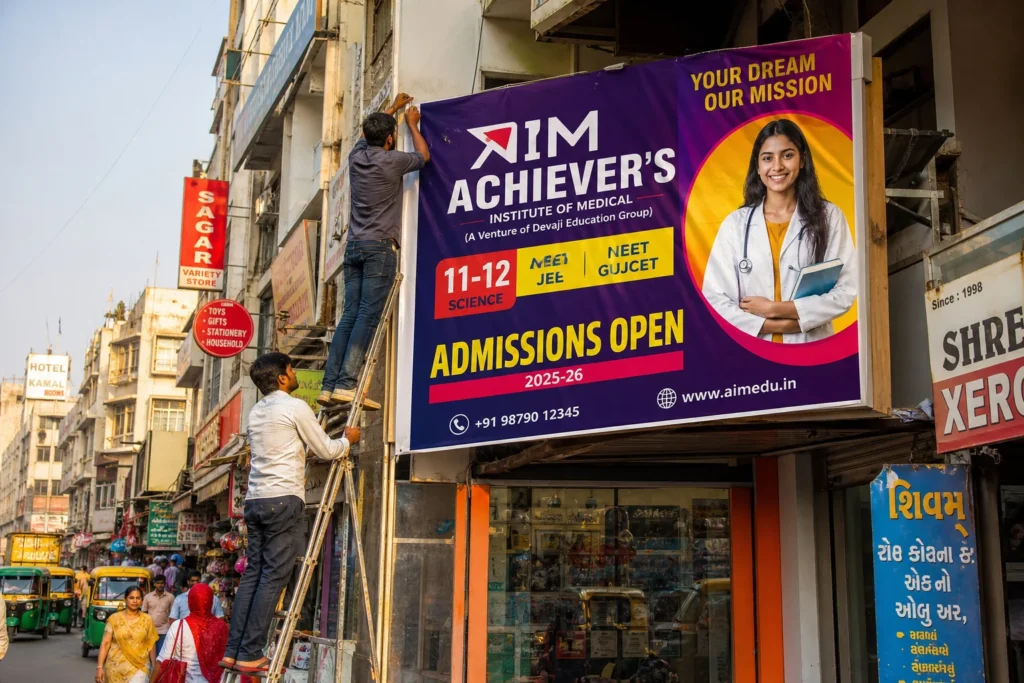
For indoor use, A3 and A2 are the most practical choices. For outdoor or large-venue displays, A1 and above, or custom flex/vinyl prints, are more appropriate. If you’re unsure which size fits your space, a local print shop can advise you based on your display location and viewing distance.
2. What Paper Types Are Used for Poster Printing?
The paper (or material) you choose affects how your poster looks, feels, and lasts. Here are the main options:
- Art paper / coated paper, The most common choice for indoor posters. Produces sharp, vibrant colours with a smooth surface. Available in matte or glossy finish.
- Photo paper, Used when photographic detail and colour accuracy are critical. Produces rich, deep tones ideal for portrait or product photography posters.
- Matte paper, A premium, non-reflective option that gives posters a sophisticated, understated look. Works well for text-heavy designs and fine art prints.
- Vinyl / self-adhesive vinyl, Durable and waterproof. Used for posters that need to be stuck to walls, glass, or surfaces. Great for retail and event environments.
- Flex material, Used for large outdoor banners and displays. Weather-resistant and suitable for extended outdoor use.
For most indoor promotional posters, coated art paper with a glossy or matte finish is the standard recommendation. For outdoor applications, vinyl or flex is the right call. If you need guidance on outdoor materials specifically, the complete guide to flex banner printing in Ahmedabad covers outdoor material choices in detail.
3. Matte vs. Glossy Finish, Which Should You Choose?
This is one of the most frequently asked questions in any print shop, and the honest answer is: it depends on your design and where the poster will be displayed.
Glossy Finish
Glossy posters have a shiny, reflective surface that makes colours appear more vivid and saturated. They’re ideal for photo-heavy designs, product promotions, and event posters where visual impact is the priority. The downside is glare, in brightly lit environments, glossy posters can be hard to read from certain angles.
Matte Finish
Matte posters have a flat, non-reflective surface. They look more refined and are easier to read in well-lit spaces. They’re the preferred choice for text-heavy designs, fine art prints, and professional or corporate settings. Matte also tends to show fingerprints less than glossy.
As a general rule: choose glossy for bold, image-led designs; choose matte for text-heavy or professional-looking posters. For a deeper look at finish options across all print products, see our guide on choosing between local and online printing in Ahmedabad, which covers how finish quality differs between providers.
4. What Resolution Should My Poster File Be?
Resolution is one of the most misunderstood aspects of print preparation, and getting it wrong is one of the most common causes of blurry, pixelated posters.
The standard for print is 300 DPI (dots per inch). This means your file should contain 300 pixels for every inch of the final printed size. A poster designed at 72 DPI (standard screen resolution) will look sharp on your monitor but will print blurry and soft.
Here’s a quick reference for minimum pixel dimensions at 300 DPI:
- A4 poster: 2480 × 3508 pixels
- A3 poster: 3508 × 4961 pixels
- A2 poster: 4961 × 7016 pixels
- A1 poster: 7016 × 9933 pixels
To check your file’s resolution in Photoshop, go to Image > Image Size and ensure the resolution is set to 300 DPI at the correct dimensions. In Illustrator or InDesign, resolution is managed through linked images, make sure all placed images are at least 300 DPI at their placed size.
If you’re working with a professional design team, they will handle this for you. But if you’re submitting your own artwork, always double-check before sending.
5. What File Formats Should I Submit?
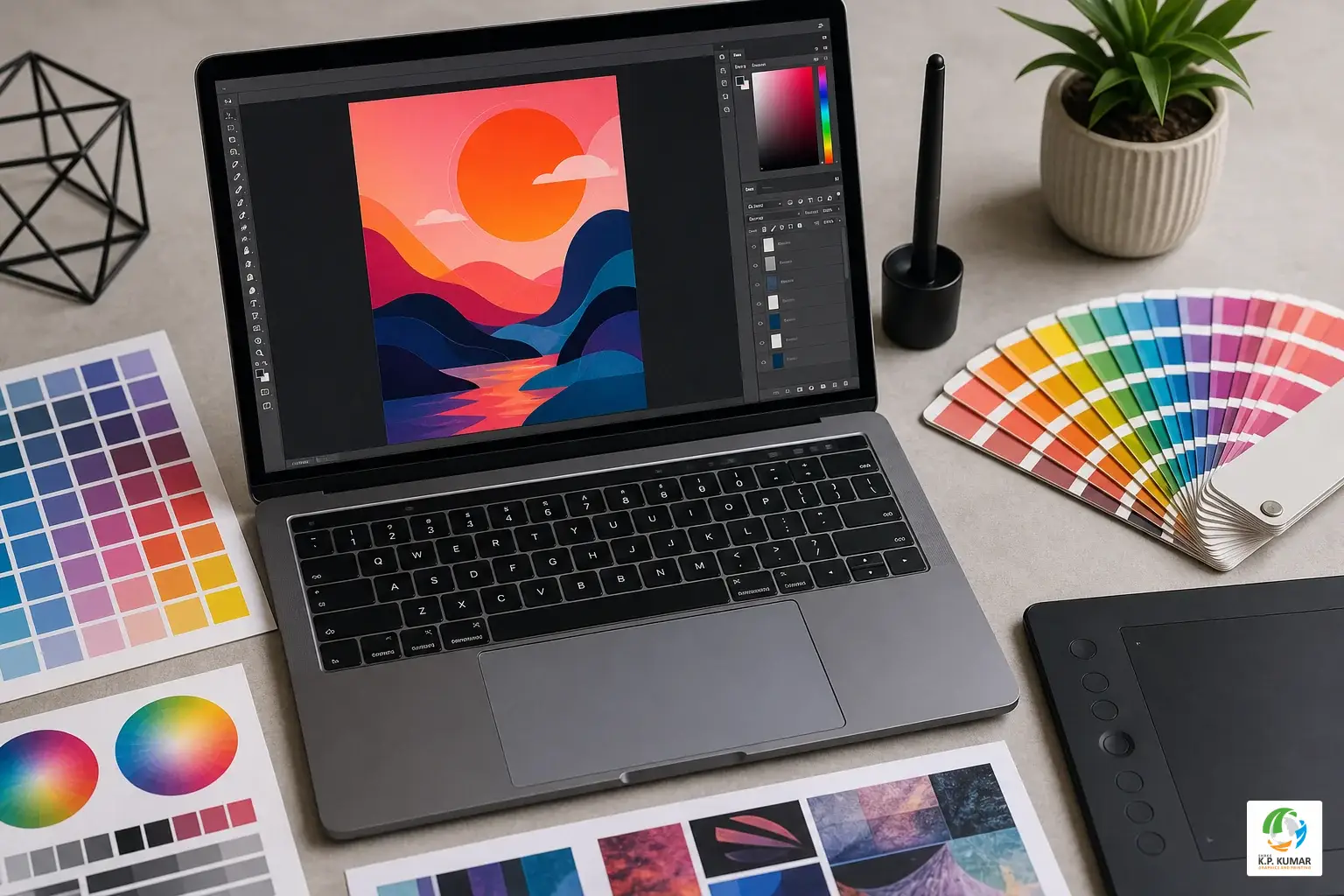
The file format you submit affects print quality, colour accuracy, and how smoothly the job runs at the print shop. Here’s what you need to know:
Preferred Formats
- PDF (Print-Ready), The gold standard for print submission. A properly exported print-ready PDF embeds all fonts, links images, and preserves colour settings. Most professional design software can export print-ready PDFs.
- AI (Adobe Illustrator), Ideal for vector-based designs. Fully editable and scalable without quality loss.
- PSD (Adobe Photoshop), Suitable for photo-heavy or raster-based designs. Ensure all layers are flattened or the file is exported at 300 DPI.
- TIFF, A high-quality raster format that preserves detail without compression. Good for photographic posters.
Acceptable but Limited
- JPEG, Acceptable if saved at maximum quality (low compression). Avoid re-saving JPEGs multiple times as quality degrades with each save.
- PNG, Good for designs with transparent backgrounds, but ensure the file is at 300 DPI at the correct print dimensions.
Colour Mode: CMYK, Not RGB
This is critical. Screens display colour using RGB (Red, Green, Blue), but printers use CMYK (Cyan, Magenta, Yellow, Black). If you submit an RGB file, the print shop will convert it, and some colours, particularly bright blues, greens, and oranges, can shift noticeably in the process. Always convert your file to CMYK before exporting for print.
Not sure how to do this? A local print shop with in-house designers, like Shree KP Kumar in Vastral, Ahmedabad, can handle the conversion and preflight check for you before the job goes to press.
6. How Do I Prepare My Artwork Correctly?
Even a beautifully designed poster can print poorly if the file isn’t set up correctly. Here’s a checklist to follow before submitting your artwork:
- Add bleed: Bleed is an extra 3mm of design that extends beyond the trim edge. It ensures that when the poster is cut to size, there are no white edges. Set up your document with 3mm bleed on all four sides.
- Respect the safe zone: Keep all important content (text, logos, key visuals) at least 5mm inside the trim edge. Anything too close to the edge risks being cut off.
- Embed or outline fonts: If your design uses custom fonts, either embed them in the PDF or convert all text to outlines (curves) in Illustrator. This prevents font substitution at the print shop.
- Check colour mode: Confirm your file is in CMYK, not RGB, before exporting.
- Flatten transparency: If your design uses transparency effects, flatten them before exporting to avoid unexpected results in print.
- Proofread everything: Read every word on your poster carefully. Typos in print are permanent, and reprinting is expensive.
If this checklist feels overwhelming, don’t worry. Many customers bring their raw ideas or rough designs to Shree KP Kumar and let the in-house design team handle the technical preparation. It’s a practical option that saves time and avoids costly errors.
7. What Is the Minimum Order Quantity for Posters?
Good news: most local print shops can print a single poster if that’s all you need. Unlike large online platforms that sometimes require minimum quantities to make digital printing economical, a local shop with the right equipment can handle one-off prints as easily as bulk orders.
That said, bulk orders significantly reduce the per-unit cost. If you need 50 or 100 posters for an event, exhibition, or marketing campaign, the price per poster drops considerably compared to printing just five or ten.
Here’s a general guide to when bulk printing makes sense:
- 1, 5 posters: Single or small-batch digital printing. Ideal for one-off events, office displays, or testing a design before a larger run.
- 10, 50 posters: Small bulk run. Good for retail promotions, local events, and multi-location displays.
- 50+ posters: Full bulk printing. Best for large events, city-wide campaigns, or franchise/chain businesses needing consistent materials across locations.
For businesses planning large-volume print runs, our guide on how to choose the right print shop covers what to look for when placing bulk orders.
8. How Long Does Poster Printing Take?
Turnaround time depends on several factors: the quantity ordered, the material and finish chosen, and, most importantly, whether your artwork is ready to print when you submit it.
As a general guide:
- Standard turnaround: 1, 3 business days for most poster orders
- Same-day or express printing: Available at many local print shops for urgent requirements, subject to file readiness and current workload
- Large-format or specialty materials: May require an additional day depending on the material and finishing process
One of the clearest advantages of working with a local print shop in Ahmedabad is speed. When you walk in with a print-ready file in the morning, you can often collect your posters the same day or the next. Online platforms, by contrast, typically require 3, 7 business days for delivery, and that’s before accounting for shipping delays.
9. Can I Get My Poster Designed If I Don’t Have Artwork?
Absolutely. Not every customer arrives with a finished design file, and that’s completely fine. A full-service local print shop offers graphic design as part of the package, so you can brief the team on what you need and have them create the artwork for you.
When coming in for a design session, it helps to bring:
- Your logo file (if you have one) in high resolution
- Brand colours or a colour preference
- The key message or text you want on the poster
- Any reference images or examples of styles you like
- The intended display location and size requirement
Shree KP Kumar’s in-house graphic design team handles everything from simple promotional posters to complex event layouts. The design and print process is managed under one roof, which means fewer back-and-forth revisions and faster delivery.
10. What Affects the Cost of Poster Printing?
Poster printing cost is not a fixed number, it varies based on several factors. Understanding these helps you budget accurately and make smart choices about where to spend and where to save.
The main cost drivers are:
- Size: Larger posters use more material and take longer to print. An A1 poster costs more than an A4.
- Paper type and material: Standard coated paper is the most affordable. Photo paper, vinyl, and specialty materials cost more.
- Finish: Matte and glossy lamination add to the cost but significantly improve durability and appearance.
- Quantity: Per-unit cost drops as quantity increases. Printing 100 posters is much cheaper per piece than printing 10.
- Design charges: If you need the print shop to create or modify your artwork, design fees apply separately.
- Turnaround time: Express or same-day printing may carry a premium depending on the shop’s current workload.
For a detailed breakdown of what drives poster printing prices in 2026, contact Shree KP Kumar directly for a quote tailored to your specific requirements. You can also call 09714998311 to discuss your project and get an accurate estimate before committing.
11. Can Posters Be Printed for Outdoor Use?
Yes, but outdoor posters require different materials than standard indoor prints. Paper-based posters are not suitable for outdoor use; they absorb moisture, fade in sunlight, and deteriorate quickly in rain or humidity.
For outdoor applications, the right choices are:
-
Vinyl (self-adhesive or non-adhesive): Waterproof, UV-resistant, and durable. Suitable for outdoor walls, hoardings, and display boards.
-
Flex material: The standard for large outdoor banners and displays in India. Lightweight, weather-resistant, and cost-effective at large sizes.
-
Laminated prints: A paper print with a protective laminate layer. Suitable for semi-outdoor or sheltered outdoor locations.
If your poster will be displayed outdoors for more than a few days, always specify this when placing your order. The print shop will recommend the right material and finish for your environment. For more on outdoor printing materials, the flex banner printing guide covers outdoor material options in depth.
12. What Colours Will Look Different in Print vs. Screen?
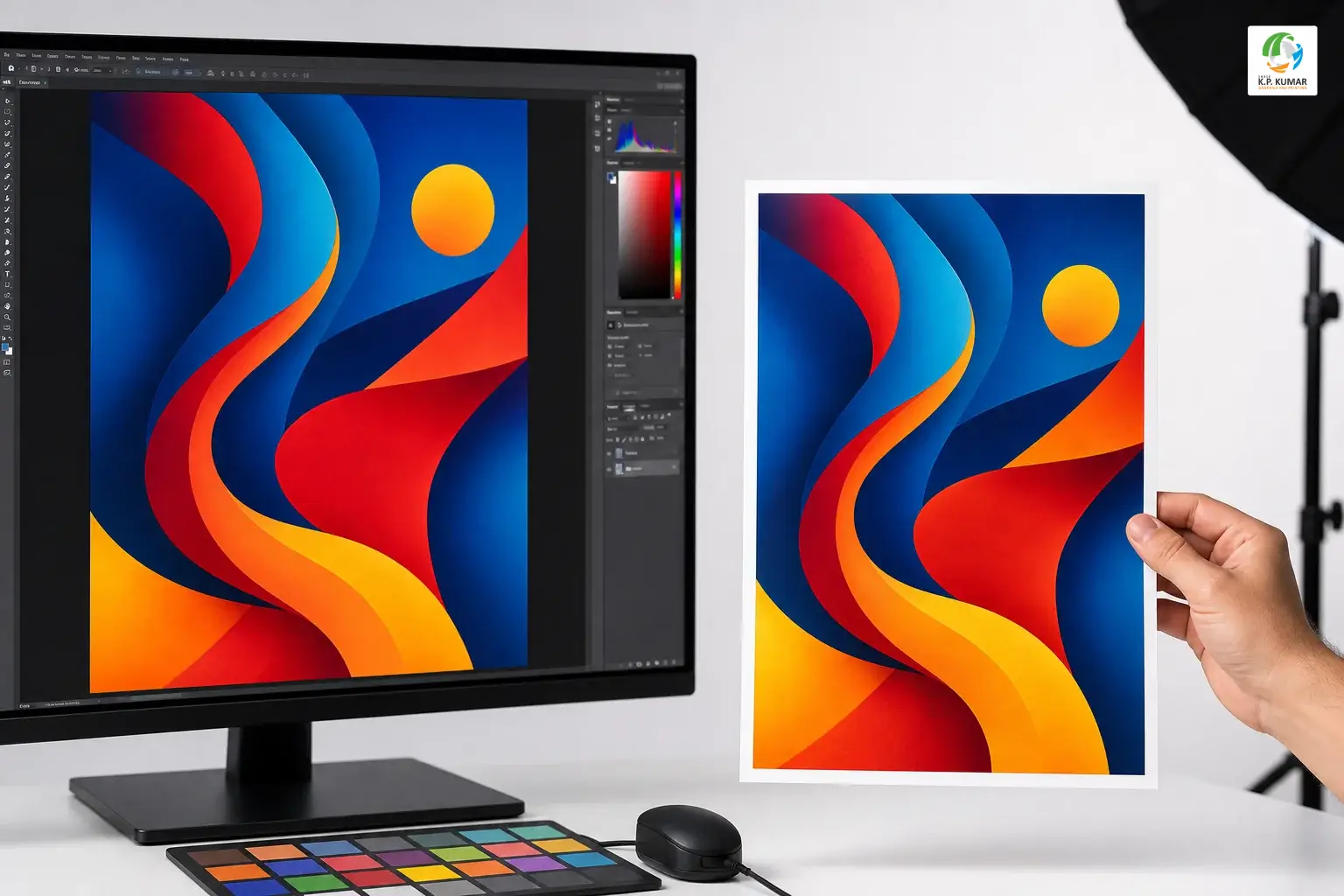
Colour shift between screen and print is one of the most common surprises for first-time print customers. The reason comes down to how colour is produced in each medium.
Screens use RGB colour, they emit light in red, green, and blue combinations to create every colour you see. Printers use CMYK, they layer cyan, magenta, yellow, and black inks on paper. These are fundamentally different systems, and not every RGB colour has an exact CMYK equivalent.
Colours most likely to shift include:
- Bright, neon, or fluorescent colours (these often print duller)
- Vivid blues and purples (can shift towards grey or violet)
- Bright oranges and greens (can appear more muted in print)
To minimise colour surprises:
-
Always design in CMYK mode from the start
-
Use CMYK colour references rather than relying on screen appearance
-
Request a digital proof (soft proof) before approving a large print run
-
For critical colour accuracy, request a physical proof print before the full order
A local print shop can show you printed colour samples and help you adjust your design before committing to a full run, something online platforms simply cannot offer.
13. What Are Common Mistakes to Avoid When Ordering Posters?
Here’s a quick summary of the most frequent errors, and how to avoid them:
-
Submitting low-resolution files: Always use 300 DPI at the final print size. Never scale up a small image to fill a large poster.
-
Forgetting bleed: Add 3mm bleed on all sides. Without it, you risk white edges after trimming.
-
Ignoring the safe zone: Keep text and logos at least 5mm inside the trim edge to avoid cut-off content.
-
Designing in RGB: Convert to CMYK before exporting. RGB files will be converted by the printer, often with unexpected colour results.
-
Not outlining fonts: If you don’t embed or outline your fonts, the print shop’s system may substitute a different font.
-
Skipping proofreading: Read every word before approving. A typo in print cannot be undone without reprinting.
-
Choosing the wrong material for the environment: Paper posters outdoors will not last. Always specify indoor or outdoor use when ordering.
-
Leaving it too late: Even with fast turnaround, last-minute orders add stress. Build in at least 2, 3 days of buffer for standard orders.
14. Why Choose a Local Print Shop Over an Online Platform?
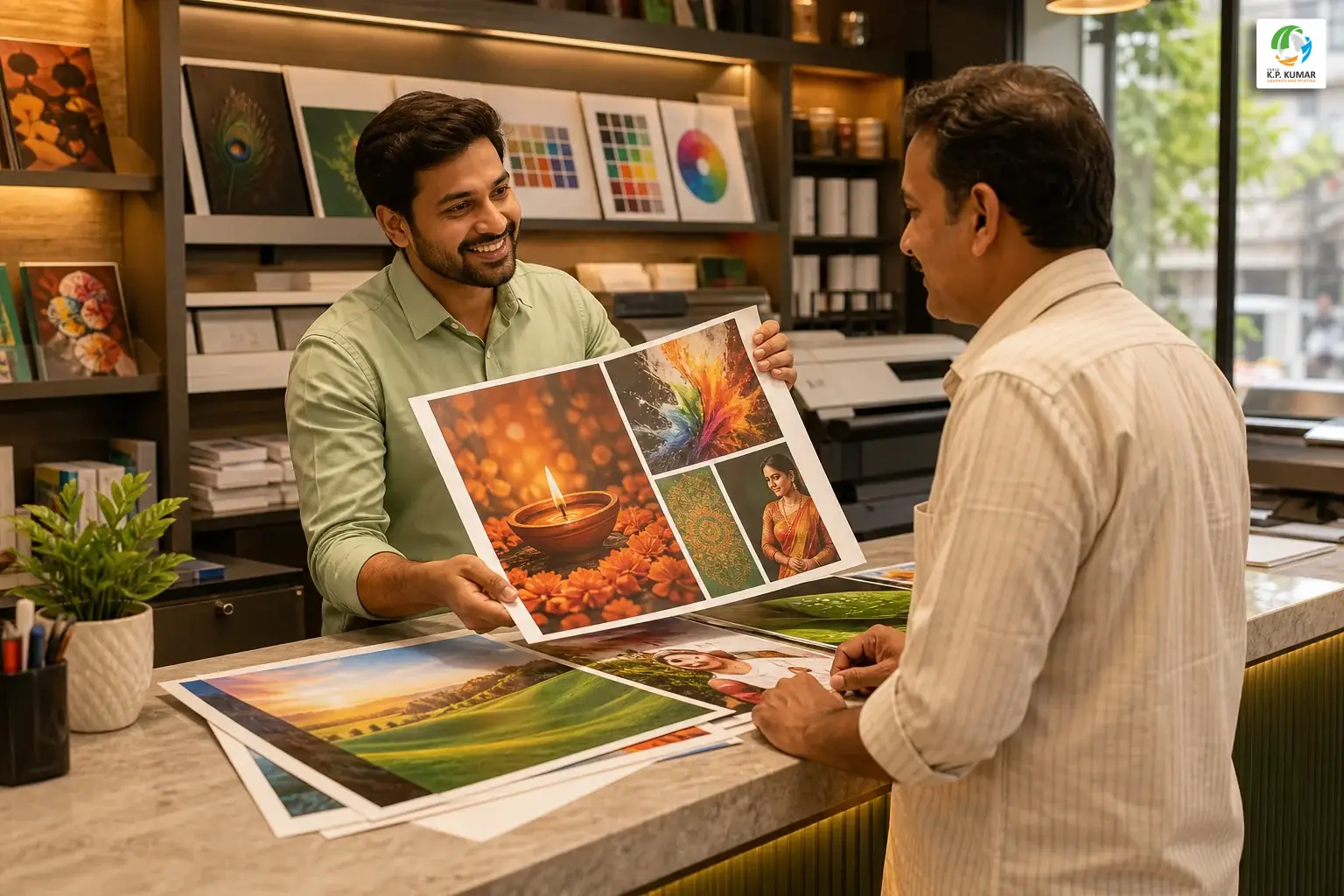
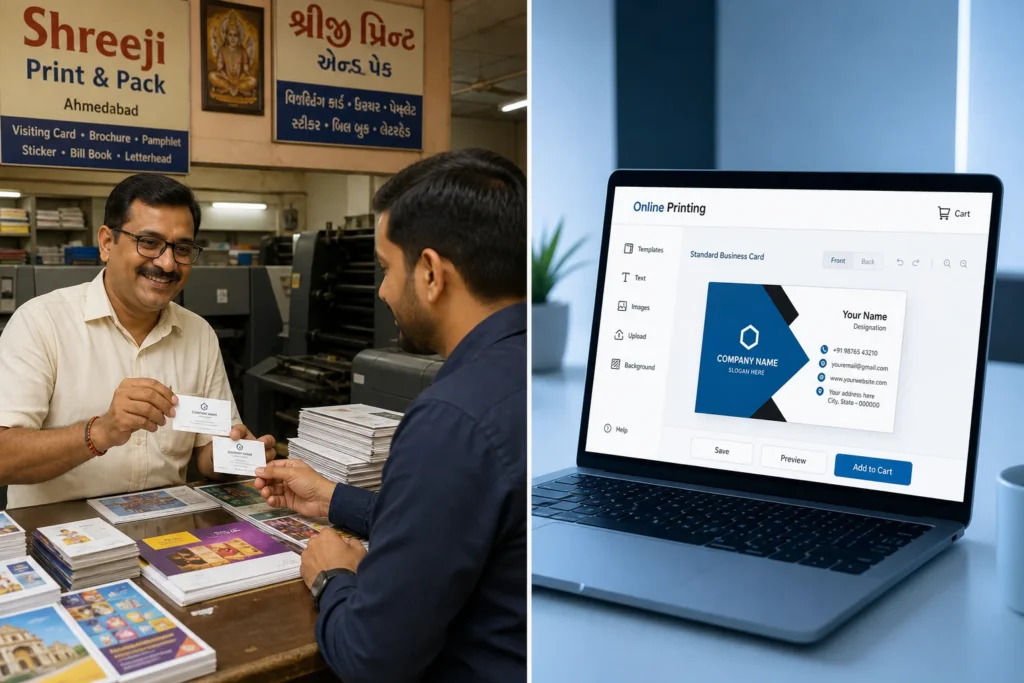
Online printing platforms like Vistaprint India or Printland offer convenience, but convenience has trade-offs. Here’s what you gain by working with a local print shop in Ahmedabad:
In-Person Consultation
You can walk in, describe your project, and get expert advice on size, material, finish, and design, all in one conversation. No back-and-forth emails, no guessing at dropdown menus.
Design Support Under One Roof
If you don’t have artwork ready, a local shop with in-house designers can create it for you. Online platforms require you to upload a finished file or use their limited template tools.
Physical Samples Before You Commit
You can touch and compare paper stocks, see finish options in person, and approve a physical proof before your full order runs. This level of quality assurance is simply not available online.
Faster Turnaround for Ahmedabad Clients
For customers in Vastral, Odhav, New Maninagar, Ramol, Amraiwadi, and surrounding areas, a local print shop means same-day or next-day collection, not 5, 7 days of shipping wait time.
Accountability and Relationship
When something isn’t right, you can walk back in and have it resolved face to face. With online platforms, you’re navigating customer service tickets and return shipping.
Shree KP Kumar has served over 13,000 clients and delivered more than 18,000 projects from their Vastral location. That track record reflects the kind of consistent, reliable service that keeps local businesses coming back, for posters, visiting cards, brochures, signboards, and everything in between.
To see the full range of what’s available, view all services on the Shree KP Kumar website.
Ready to Print? Here’s Your Next Step
You now have everything you need to walk into a print shop, or send a message, with confidence. You know what size to choose, what file format to submit, how to prepare your artwork, and what questions to ask about finish, material, and turnaround.
If you’re based in Ahmedabad and want poster printing done right, with expert design support, fast turnaround, and quality you can see before you pay, Shree KP Kumar is ready to help. Whether you have a finished file or just a rough idea, the team will guide you from brief to finished print.
Get your poster order started today. Send your design or describe your project directly on WhatsApp, the team typically responds quickly and can give you a quote, confirm turnaround time, and answer any remaining questions on the spot.
WhatsApp the team now to get started, or call 09714998311 if you’d prefer to speak directly.